Mobile vs. Desktop: Which Is Best for Casual Games?
An honest comparison of inputs, latency, battery life, and real-world ergonomics across both platforms.
Published April 16, 2026 · By Shivam Kumar · 9 min read · Opinion
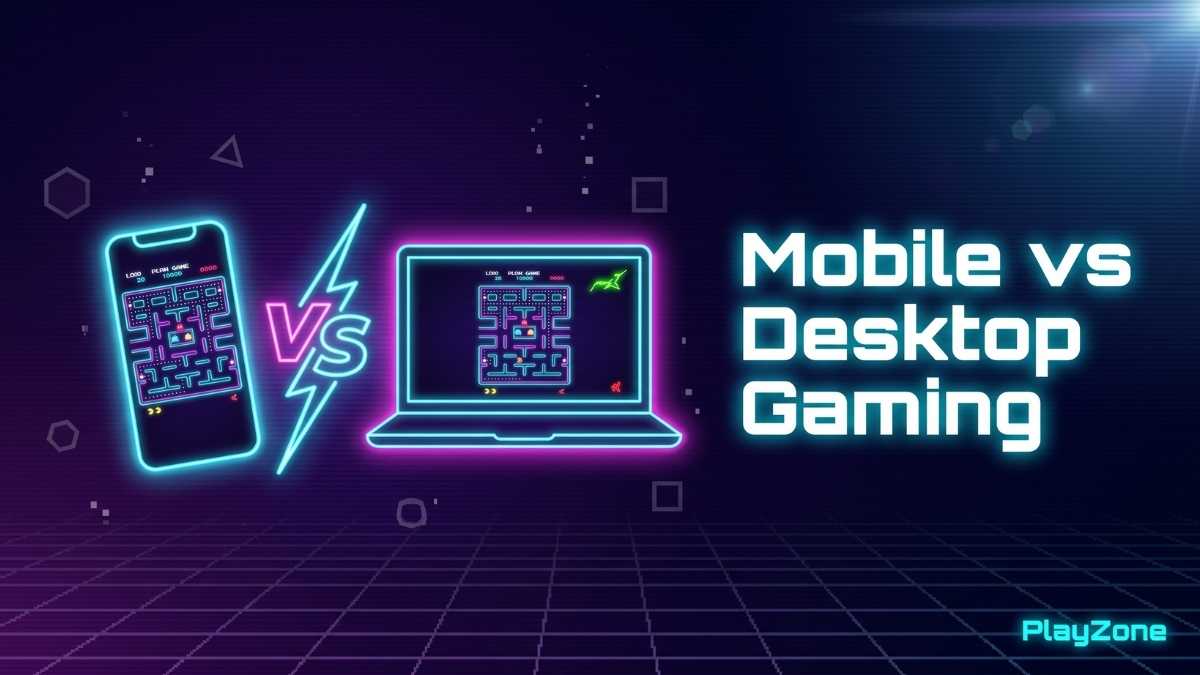
Table of contents 9 sections
HTML5 games have the happy property that the same codebase runs everywhere. Your phone, your laptop, your tablet, and even your smart TV can all run the same file. But "runs" is not the same as "plays well." A game that feels great on a fourteen-inch laptop with a clicky keyboard can be miserable on a six-inch phone screen, and vice versa. This article compares mobile and desktop as casual-gaming platforms so you know when to reach for the phone and when to sit down at the keyboard, and which PlayZone games suit each device.
I have played PlayZone's games on both budget Android phones and mid-range laptops and compared how each one feels. What follows is a practical, honest look at how casual browser games behave across devices, not a marketing pitch.
Input: the biggest difference
Desktop input means a keyboard and a mouse. Mobile input means fingers, and usually a single thumb. A keyboard gives you many simultaneous keys with near-instant mechanical response, while a touchscreen offers only two or three usable contact points and a small amount of input latency after each frame is rendered. That latency is invisible most of the time but becomes more noticeable the moment a game asks for precise, fast input.
This difference matters for reflex-heavy games like Reaction Test and timing games like Lane Dodge, but it is almost invisible for thinking games like Sudoku or Memory Match. So the first question to ask is "what genre am I playing?" The second question is "how precise is the input I need?"
There is one important exception in the input story. For games that use swipe gestures rather than directional buttons, mobile is actually better than desktop. Swiping in the natural direction you want to move can feel more intuitive than pressing arrow keys, and the gesture itself feels more connected to the on-screen action. This is exactly how Maze Escape plays, where swiping your finger to steer through the maze feels more physical than tapping keys.
Refresh rate and latency
Most desktop monitors run at 60 Hz, and many gaming monitors run at 120 or 144 Hz. Modern phones usually run at 60 or 90 Hz, with some flagship Android phones now reaching 120 Hz. For casual games with a low frame-rate cap, most of PlayZone's games run at 60 frames per second, this is a wash. Both platforms render the same sixty frames per second.
Network latency is irrelevant here because all PlayZone games run entirely in the browser without a server round-trip. The game logic runs locally on your device, so the only latency that matters is the input-to-display chain inside the device itself. A typical laptop with a wired or onboard pointer tends to feel slightly more responsive than a phone touchscreen, where the touch-sampling and display pipeline adds a little delay. Either way, both are comfortably within the threshold of feeling responsive for casual play.
For a fast timing game where you are reacting within a small window, that small input difference can be noticeable. For a thinking game like Sudoku or Memory Match, you would never see it.
Screen size and ergonomics
A 14-inch laptop screen held at normal reading distance is significantly larger in your field of view than a 6.5-inch phone screen held at arm's length. Games with a lot of visible state, such as Maze Escape, Sudoku, or a large Memory Match board, benefit visibly from the bigger display. You can see more of the layout at once. You can scan the board faster. Your eyes work less hard.
On the other hand, a phone is always with you. The best game is the one you actually play, and the phone wins on pure availability. For a five-minute break at a bus stop, in a queue at a chemist, or waiting for a meeting to start, the phone wins hands-down. The desktop is theoretically better in the moment of play but practically useless when the moment of play is "the next 90 seconds." This is a real consideration, not a minor one. Most casual gaming happens in the spare gaps of daily life, not in dedicated play sessions, and the phone owns those gaps.
Ergonomics also differ in less obvious ways. Looking down at a phone in your hands tends to encourage poor neck posture if maintained for more than a few minutes. A laptop at a desk encourages a more sustainable posture, but adds the risk of prolonged sedentary screen time. Neither is ideal, but the phone's tendency to be played in shorter bursts is actually an ergonomic advantage hidden in plain sight.
Battery life
Gaming is one of the more battery-intensive things a device can do, because continuously redrawing an animated canvas keeps the GPU active in a way that reading static text never does. The HTML canvas element redraws each frame on demand, so an animated game generally uses more power than a still page. Exactly how much depends heavily on display brightness, CPU and GPU, and how busy the animation is, so it is hard to give a single reliable number.
PlayZone's games are lightweight compared to installed native games, most of them are small downloads including assets, but they still benefit from reducing screen brightness and closing background tabs for long sessions. If you are about to take a long flight, expect a continuously animated game to drain the battery noticeably faster than a more static, turn-based game like Sudoku or Word Scramble, where the screen mostly sits still between moves.
Network requirements (or the lack of them)
One advantage shared by both platforms is that PlayZone games do not require an internet connection once they have loaded. The browser caches the HTML, JavaScript, and image assets, and from that point the game runs locally. On a phone this means you can keep playing while on the metro, in a flight, or in any area with patchy connectivity. On a laptop the same is true, though laptops are more commonly used in places with good Wi-Fi.
If you are deliberately seeking offline-friendly games for travel, every PlayZone game qualifies after the first load.
Game-by-game recommendations
Here is a practical take on the current PlayZone games and how they tend to feel on each platform:
- Math Challenge: Even. Both platforms work well; the on-screen number pad on mobile is comparable to a keyboard.
- Number Memory: Mobile slightly wins. Tap input is quick and intuitive for short sequences.
- Word Scramble: Desktop tends to win. Typing words with a physical keyboard is usually faster than on a touch keyboard.
- Tic Tac Toe: Even. Both work equally well; mobile is more convenient for two-player local mode (pass the phone).
- Memory Match: Even. Either platform works well. Phones are comfortable for small boards, laptops for larger ones.
- Bubble Pop: Mobile wins. Tapping bubbles with your fingers is the natural mode for this game.
- Typing Speed Test: Desktop wins, by design. The whole point is using a physical keyboard.
- Color Match: Even. Both platforms work; phones are more portable for daily practice.
- Reaction Test: Desktop tends to win for measurement accuracy, since a mouse or keyboard usually has slightly lower input latency than a touchscreen, which matters when the entire score is measured in milliseconds.
- Sudoku: Slight edge to desktop for the larger grid, though both work well; on mobile, larger phones and tablets make the grid easier to read.
- Lights Off: Even. Tapping cells works equally well under a finger or a mouse cursor.
- Slide Puzzle: Even. You tap a tile to slide it into the empty space (or use the arrow keys), which works equally well under a finger or a mouse.
- Star Catcher: Even. Pleasant on both; the bigger desktop screen helps you see more of the play area.
- Maze Escape: Desktop has an edge for the wider view, while touch swipes feel natural on mobile.
- Lane Dodge: Even. Quick taps work well on a phone, and the keyboard is comfortable on a laptop.
- Sky Stacker: Mobile wins. This one-button block-stacking arcade game is all about timing a single tap, which feels natural under a thumb on a phone.
Accessibility considerations
Touch controls can be difficult for players with limited fine motor control, particularly older adults or anyone recovering from injury. Keyboard controls can be difficult for players without access to a physical keyboard, or for players whose hands tire quickly. Whenever possible I support both input modes, and I expose large on-screen buttons that work equally well under a finger or a mouse cursor. Where on-screen controls are needed, I make them as large as practical without overlapping the game area.
For players with visual impairments, the bigger desktop screen often helps significantly. For players with low vision, increasing browser zoom on desktop (Ctrl + on most browsers) makes everything larger, including in-game elements. On mobile, pinch-zoom works on most PlayZone pages but the game canvas itself does not scale, so the larger screen advantage on desktop is real for accessibility purposes.
If you find an accessibility issue on any PlayZone game, please get in touch, I treat those reports seriously and player feedback regularly shapes the accessibility improvements I make.
What about tablets?
Tablets sit somewhere between phones and laptops. They have larger screens than phones but use the same touch input, and they have more powerful processors than budget Android devices but lack the keyboard precision of a real laptop. In practice, tablets are excellent for the games that benefit from large screens and tolerate touch input: Memory Match, Sudoku, Word Scramble (with an attached keyboard), and Slide Puzzle all play well on tablets.
Tablets are also a great platform for two-player local games like Tic Tac Toe, since two players can sit on either side of the device without crowding each other.
The verdict
There is no single winner. Desktop is better for competitive or precision-heavy games. Mobile is better for quick, pick-up-and-play rounds and for accessibility in spare moments. The honest answer is "use whichever device is closest to you when you have five spare minutes." Because PlayZone's games work on both, you never have to choose in advance.
A common pattern that works well: quick reflex and tapping games on the phone (Bubble Pop, Reaction Test, Lane Dodge), typing and precision games on the laptop (Typing Speed Test, Word Scramble, Sudoku), and memory games on whichever is closer (Memory Match, Color Match, Number Memory). The phone tends to rack up more sessions per day; the laptop gets the longer, focused sessions.
Ready to try a game on your preferred device? Browse the full game library on PlayZone or skim my roundup of the best browser games of 2026, every game works on both, so the only thing you need to decide is which one is closest to you right now.


How to Win at Solitaire: Klondike and Spider Strategy
Free Klondike and Spider Solitaire strategy: how to rank your next move, why empty columns decide both games, and what the research actually says about winnable deals.
Reaction Time Test: What's Average and How to Get Faster
What's an average human reaction time? Typical scores, what really affects yours, and an honest look at what practice can and can't improve.
Pelmanism: How to Play the Classic Concentration Card Game
Pelmanism, Concentration, Memory — the classic card-matching game: its history, the rules, and the techniques that clear boards in half the moves.